Assembly
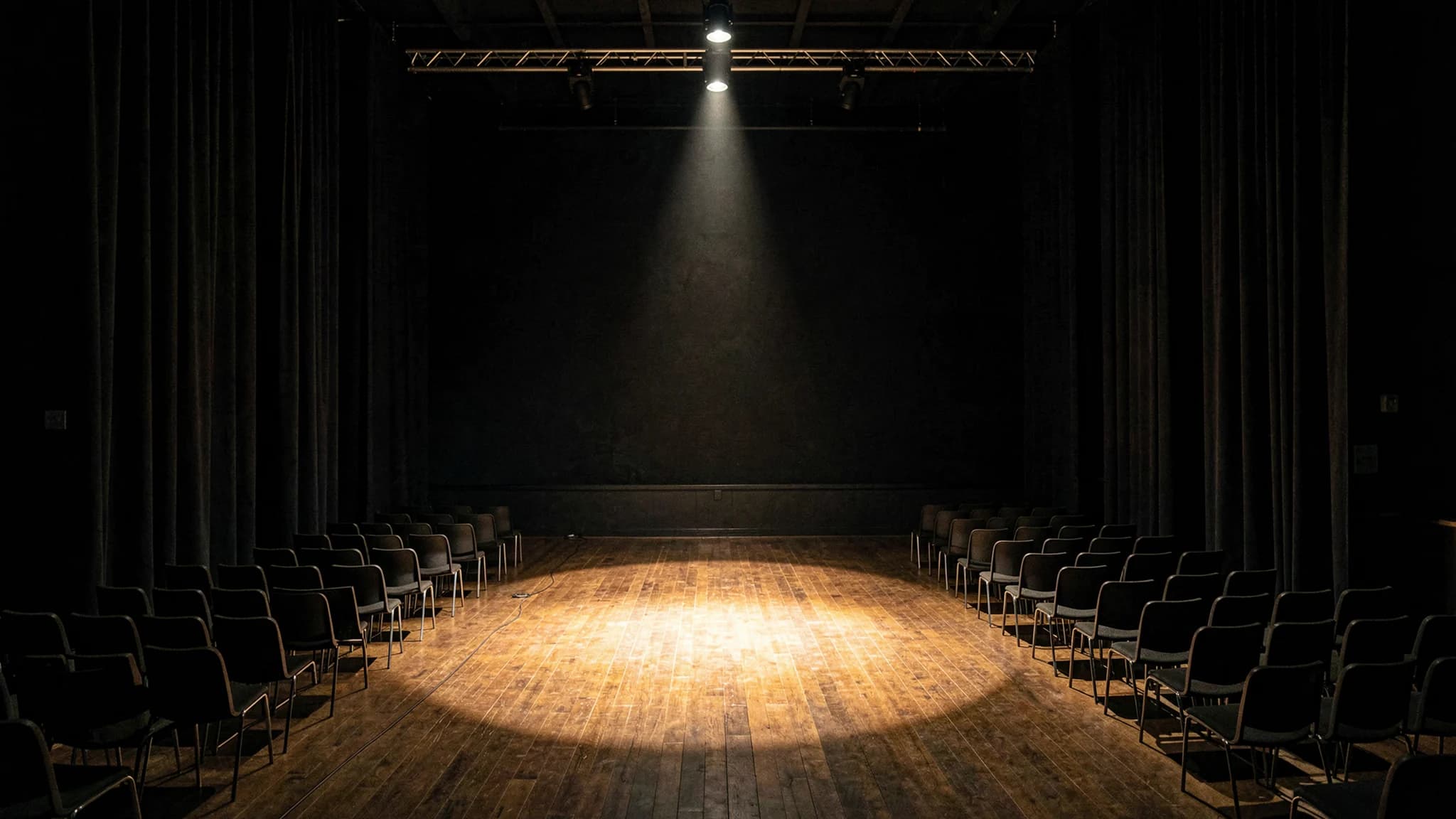
The room in the hour before the room fills. Chairs, cabling and stage light with nobody in yet, for conferences, venues and community events.
24 photos, CC0
All packs
What holds the pack together?
One treatment across all 24: the same light, the same colour temperature, the same grain.
Every photo in Assembly was made to one grade, so a wide hero, a band between sections and a square detail from it sit on one page without fighting. Lay any two side by side and they agree.
Every photo, by shape.
Each shape is cut for a place on a page. Open a photo to see it whole and copy its permanent URL.
Hero
Wide opening image above the fold, 16:9
3 photos
Band
Full-width divider between sections, 21:9
2 photos
Backdrop
Quiet background to place text over, 16:9
3 photos
Card
Card or grid tile, 3:2
8 photos
Column
Narrow standing image beside text, 4:5
4 photos
Detail
Square texture or accent tile, 1:1
4 photos
How does the skill use Assembly?
When a brief fits it, your agent names Assembly in the plan and fills the page’s photo places from it, each with a photo cut for that shape.
With the Struq skill installed there is nothing to do. To use the pack in any other build, give your agent this prompt.
Use the Struq photo pack "Assembly" for the photos on this site. Its photo list is at https://struq.nl/api/media/packs/assembly. Each photo has a slot (hero, band, card, column, detail or backdrop), its size and a permanent URL. Fill every photo place on the page with a photo of the matching slot, and set text on the side the photo keeps calm (negativeSpace). The photos are CC0.
May I use them anywhere?
Yes. They are CC0: no rights reserved, no credit needed, commercial work included.
Download them, crop and recolour them, or embed them by their permanent URL, which never changes. A mention of Struq is welcome and never required.
Photos for every slot. Get the skill.
Paste it into Claude Code. It runs the install, then /struq is ready.
The Struq skill is free and open source. No account, no key, nothing to configure. Version 0.5.0, and you update by running it again.